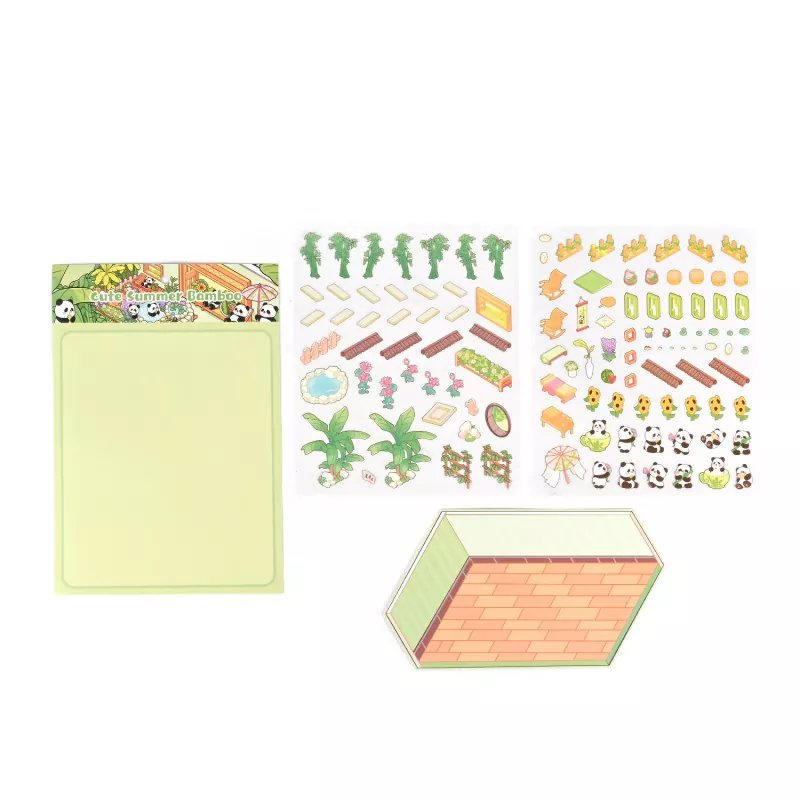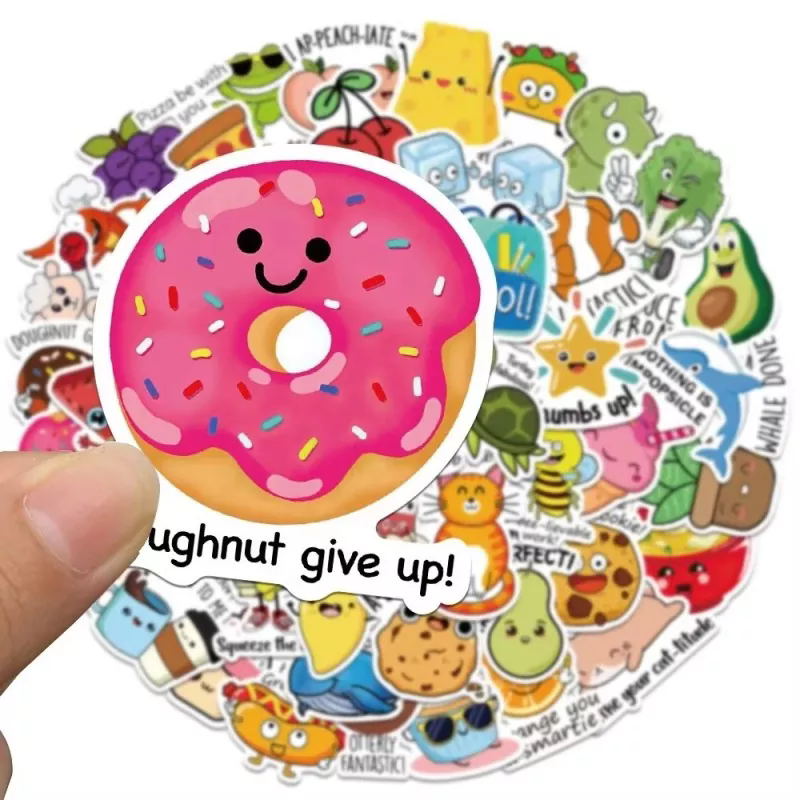
A retailer orders 50,000 PVC Stickers for a seasonal promotion. The artwork looks perfect on screen. The supplier confirms the order and delivers on time. But when the stickers arrive, the logo is cut off at the edge, the colors are muddy, and the die-cut shape does not match the product packaging. The stickers are unusable, the promotion is delayed, and the reprint cost falls on the buyer. This scenario is common, and it is almost always preventable. The root cause is not a bad supplier. It is an incomplete specification. Before a purchase order is issued for PVC Stickers, the buyer must confirm a specific set of artwork and cutting specifications with the supplier. When these specifications are confirmed in writing, the risk of reprint, delay, and dispute drops dramatically.
This guide is written for procurement managers, brand owners, and product developers who order custom PVC Stickers. We will walk through the artwork and cutting specifications that must be confirmed before ordering, explain why each one matters, and provide a practical confirmation checklist that can be used in the purchase order. We will also provide product parameters from our factory at Wenzhou Create Fun Craft Co., Ltd. Whether you are ordering stickers for packaging, product labeling, promotional giveaways, or industrial use, this guide will help you avoid the most common causes of sticker reprints and delays.
The artwork file format is the first specification that must be confirmed. A low-resolution file, a flattened raster image, or a file without embedded fonts will produce a poor print and a cut path that does not match the design. For PVC Stickers, the preferred artwork format is a vector file, such as Adobe Illustrator (.ai), Encapsulated PostScript (.eps), or Portable Document Format (.pdf) created from vector elements. Vector files can be scaled without loss of quality and can be converted directly into a cutting path. Raster files, such as JPEG or PNG, are acceptable only if they are at least 300 DPI at the final print size and if the cutting path is provided separately. The table below summarizes the acceptable and unacceptable file formats.
| File Format | Acceptable for PVC Stickers | Notes |
| Adobe Illustrator (.ai) | Yes (preferred) | Vector, editable, ideal for cutting paths |
| EPS (.eps) | Yes (preferred) | Vector, widely accepted |
| PDF (vector) | Yes | Must be saved from vector source |
| PDF (raster) | Conditional | Only if 300 DPI at final size |
| JPEG / PNG | Conditional | 300 DPI minimum, cut path required separately |
| Word / PowerPoint | No | Not suitable for professional print |
At Wenzhou Create Fun Craft Co., Ltd., our factory accepts vector files in .ai, .eps, and vector .pdf formats. We also accept high-resolution raster files if the cutting path is provided as a separate vector layer. Our pre-production team reviews every artwork file before printing and flags any issues that could affect print quality or cutting accuracy. This review is part of our standard order confirmation process.
Bleed and safe margin are two specifications that are frequently overlooked, yet they are the most common cause of cut-off logos and white edges on finished PVC Stickers. Bleed is the extra artwork that extends beyond the final cut line. It ensures that when the cutting blade slightly deviates from the intended path, the background color or image still extends to the edge of the sticker. Without bleed, a small cutting deviation produces a white edge. Safe margin is the area inside the cut line that is kept free of critical design elements, such as text or logos. It ensures that even if the cut is slightly off, the important content remains intact. The table below summarizes the recommended bleed and safe margin specifications.
| Specification | Recommended Value | Purpose |
| Bleed | 2 - 3 mm beyond cut line | Prevents white edges from cutting deviation |
| Safe Margin | 2 - 3 mm inside cut line | Keeps text and logos away from the cut |
| Minimum Text Height | 6 pt | Ensures legibility after cutting |
| Minimum Line Weight | 0.25 mm | Ensures lines reproduce and cut cleanly |
At our factory, we confirm bleed and safe margin with every customer before production. We provide a template that shows the cut line, the bleed area, and the safe margin. Our prepress team checks the artwork against these specifications and requests adjustments if needed. This step prevents the most common cutting-related defects and ensures that the finished PVC Stickers look as intended.
The cutting method determines the shape, the edge quality, and the cost of the PVC Stickers. The three most common cutting methods are die cutting, kiss cutting, and laser cutting. Die cutting uses a custom steel rule die to punch the sticker shape out of the material. It is cost-effective for large quantities and produces a clean edge. Kiss cutting cuts through the sticker but leaves the backing liner intact, allowing the stickers to be supplied on a roll or sheet. Laser cutting uses a focused laser beam to cut the shape, offering high precision and the ability to cut complex contours without a physical die. It is more expensive for high volumes but cost-effective for short runs or intricate designs. The table below compares the three methods.
| Cutting Method | Best For | Edge Quality | Cost Curve |
| Die Cutting | High volume, standard shapes | Clean, consistent | Low per unit at high volume |
| Kiss Cutting | Roll or sheet supply | Clean, liner intact | Low per unit at high volume |
| Laser Cutting | Short runs, complex contours | Very precise, slight heat edge | Higher per unit, no die cost |
At Wenzhou Create Fun Craft Co., Ltd., our factory offers all three cutting methods for PVC Stickers. We work with our customers to select the method that best matches the order quantity, the shape complexity, and the delivery format. Our engineering team can advise on the trade-offs and confirm the cutting method in the purchase order before production begins.
The die line is the vector path that defines the cut contour. It must be communicated to the supplier separately from the artwork, either as a distinct layer in the artwork file or as a separate vector file. The die line should be a single closed path with no gaps or overlaps. The cut contour should follow the outer edge of the design, with the bleed extending beyond it. For stickers with internal cutouts, such as a hole for hanging, the internal contours must also be defined as closed paths. The table below summarizes the die line requirements.
| Die Line Requirement | Specification | Why It Matters |
| Path Type | Closed vector path | Ensures the die or laser follows the correct contour |
| Layer Separation | Separate layer from artwork | Allows the cutter to distinguish cut path from print |
| Spot Color | 100% magenta or designated spot color | Convention for die line identification |
| Internal Cutouts | Closed paths for holes and cutouts | Ensures internal features are cut correctly |
| Minimum Radius | 0.5 mm for die cutting | Prevents die rule from breaking |
At our factory, we provide a die line template that customers can use to draw the cut contour. We also accept die lines drawn in a separate layer of the artwork file. Our prepress team verifies that the die line is closed, that it aligns with the bleed, and that the internal cutouts are correctly defined. This verification is part of our pre-production confirmation process.
Color and material specifications are as important as the cutting specifications. The color mode must be specified as CMYK for print, with a defined color profile if color accuracy is critical. Pantone colors should be specified by number if a brand color must be matched. The material specification should include the PVC film thickness, the adhesive type, and the surface finish. A PVC Sticker with a 100-micron film and a permanent adhesive is not the same as one with an 80-micron film and a removable adhesive. The table below summarizes the color and material specifications that should be confirmed.
| Specification | Options | Impact on Finished Sticker |
| Color Mode | CMYK, Pantone | Determines color accuracy |
| PVC Film Thickness | 80, 100, 120 micron | Affects durability and feel |
| Adhesive Type | Permanent, Removable | Affects application and removal |
| Surface Finish | Glossy, Matte, Laminated | Affects appearance and durability |
| White Ink Layer | Yes / No | Required for transparent PVC |
At Wenzhou Create Fun Craft Co., Ltd., our factory confirms these specifications with every customer before production. We provide material samples and color proofs for approval. We also advise on the appropriate white ink layer for transparent or clear PVC Stickers. Our goal is to ensure that the finished sticker matches the customer's expectations for color, durability, and appearance.
A pre-production confirmation checklist is the most effective tool for preventing order errors. It should be completed and signed by both the buyer and the supplier before production begins. The checklist should cover the artwork file, the bleed and safe margin, the cutting method, the die line, the color and material specifications, and the packaging and delivery format. The table below presents a practical checklist that can be used for PVC Stickers.
| Checklist Item | Confirmation | Responsible Party |
| Artwork File Format | Vector .ai/.eps/.pdf received and approved | Buyer |
| Bleed and Safe Margin | 2-3 mm bleed, 2-3 mm safe margin verified | Supplier |
| Cutting Method | Die cut / kiss cut / laser cut confirmed | Both |
| Die Line | Closed vector path, separate layer, internal cutouts defined | Buyer |
| Color Specification | CMYK or Pantone numbers confirmed | Buyer |
| Material Specification | PVC thickness, adhesive, finish confirmed | Both |
| White Ink Layer | Required for transparent PVC confirmed | Both |
| Packaging and Delivery | Roll or sheet, quantity per pack confirmed | Both |
At our factory, we use this checklist for every PVC Sticker order. We send a pre-production confirmation form to the customer, and production begins only after the signed form is returned. This process has reduced order errors and reprints significantly. We invite our customers to use the same checklist on their side to ensure that nothing is overlooked.
Question 1: What file format is best for PVC Sticker artwork?
Answer: Vector file formats such as Adobe Illustrator (.ai), EPS (.eps), and vector PDF are the best choices for PVC Stickers. They can be scaled without loss of quality and can be converted directly into a cutting path. Raster files such as JPEG or PNG are acceptable only at 300 DPI or higher at the final print size, and the cutting path must be provided separately as a vector layer.
Question 2: How much bleed should I add to my sticker artwork?
Answer: A bleed of 2 to 3 mm beyond the cut line is recommended for most PVC Stickers. The bleed ensures that the background color or image extends beyond the cut, so that a small cutting deviation does not produce a white edge. The safe margin should be 2 to 3 mm inside the cut line, keeping text and logos away from the cut edge.
Question 3: Should I choose die cutting or laser cutting for my PVC Stickers?
Answer: Die cutting is more cost-effective for high volumes and standard shapes. Laser cutting is better for short runs and complex contours because it does not require a physical die. Kiss cutting is suitable when the stickers will be supplied on a roll or sheet. Our factory can advise on the best method based on your order quantity and shape complexity.
Question 4: Why is a separate die line layer important?
Answer: A separate die line layer allows the cutter to distinguish the cut path from the printed artwork. Without a separate layer, the cutter may misinterpret part of the design as a cut line, leading to incorrect cutting. The die line should be a closed vector path, in a designated spot color or layer, with internal cutouts defined as separate closed paths.
Question 5: What should be included in a pre-production confirmation checklist?
Answer: The checklist should include the artwork file format, bleed and safe margin, cutting method, die line, color specification, material specification, white ink layer, and packaging and delivery format. Both the buyer and the supplier should review and sign the checklist before production begins. This step prevents most order errors and reprints.
Ordering PVC Stickers without confirming artwork and cutting specifications is a risk that no procurement manager needs to take. The most common causes of sticker reprints and delays—cut-off logos, white edges, incorrect colors, and wrong die-cut shapes—are all preventable when the specifications are confirmed in writing before production. By confirming the artwork file format, the bleed and safe margin, the cutting method, the die line, the color and material specifications, and the packaging format, buyers can ensure that the finished PVC Stickers meet their expectations and their customers' expectations. At Wenzhou Create Fun Craft Co., Ltd., our factory uses a formal pre-production confirmation process that covers all these specifications. We work with our customers to review the artwork, provide templates, and confirm every detail before production begins.
Whether you are ordering PVC Stickers for product packaging, promotional giveaways, or industrial labeling, we invite you to contact us to discuss your requirements. We can provide samples, artwork templates, and technical support to help you get the specification right the first time. Our commitment to quality and customer service has made us a trusted partner for sticker projects around the world.
Contact Wenzhou Create Fun Craft Co., Ltd. today to discuss your PVC Sticker requirements and discover how our pre-production confirmation process can ensure the quality of your order.